Lian
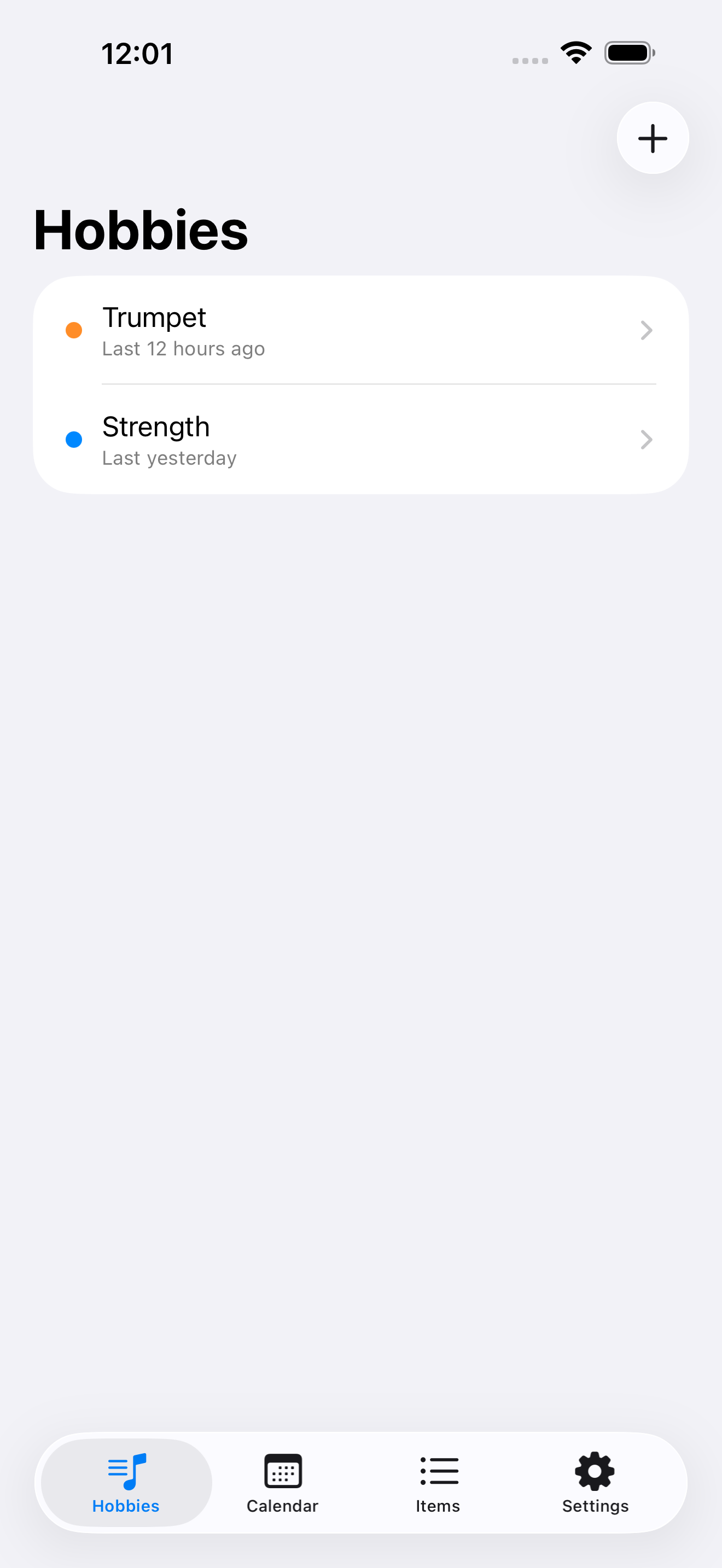
Log what you practiced, not just whether you practiced.
Log what you practiced
Coming to the App Store
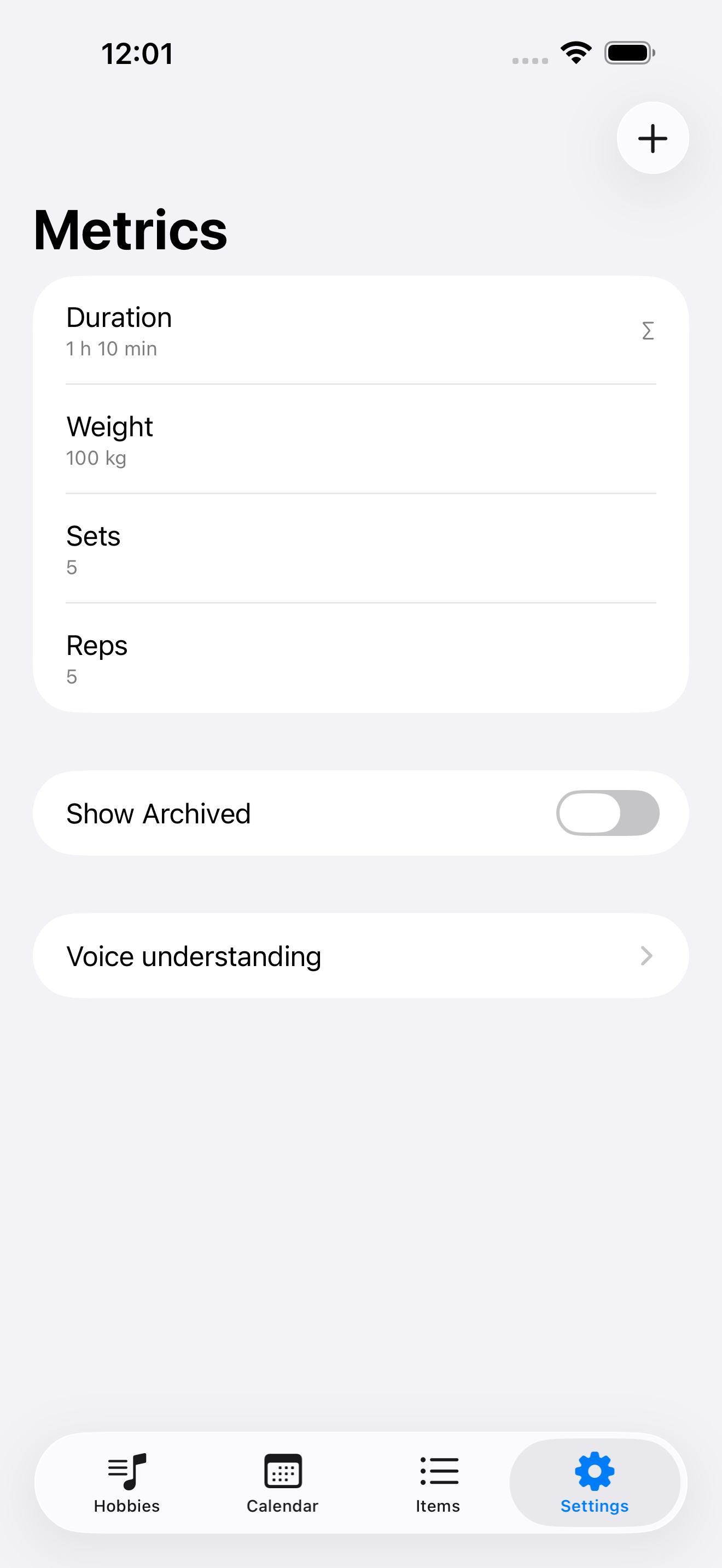
Metrics are yours to define
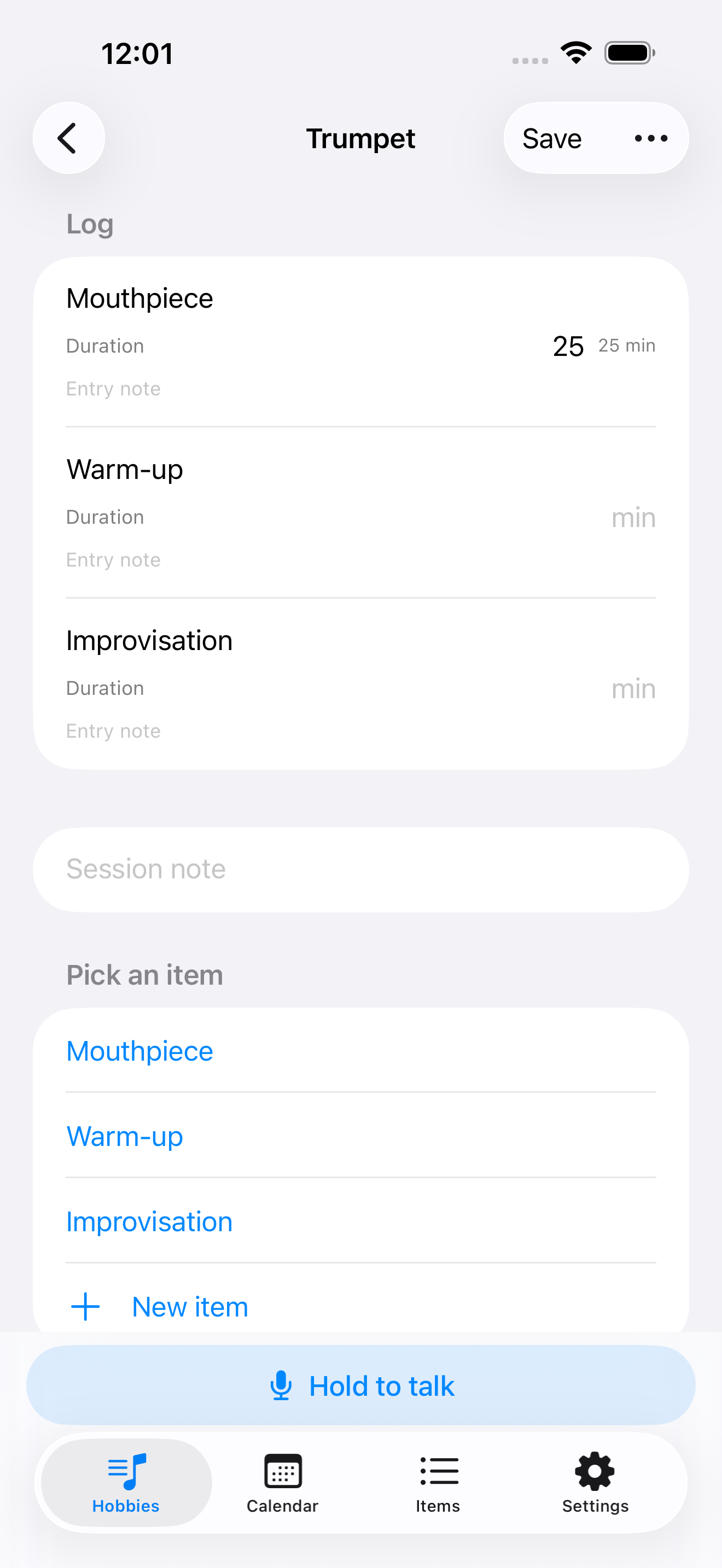
There is exactly one "Duration" in the catalog, shared by trumpet and stretching, with separate trends for each. Want RPE, BPM, distance? Create it: pick integer, decimal or time, pick whether it reads as "1 hr 10 min" or "70 min", then decide whether adding it up means anything. Duration adds up; weight doesn't. The app won't guess that for you.
Three ways to log
Tap — pick from your item catalog, fill in a few numbers, confirm. Speak — hold to talk, and each sentence appends a row. Transcription happens on your device; audio never leaves the phone. Paste — drop in a whole block of handwritten notes and backfill many days at once.
Two ways to look back
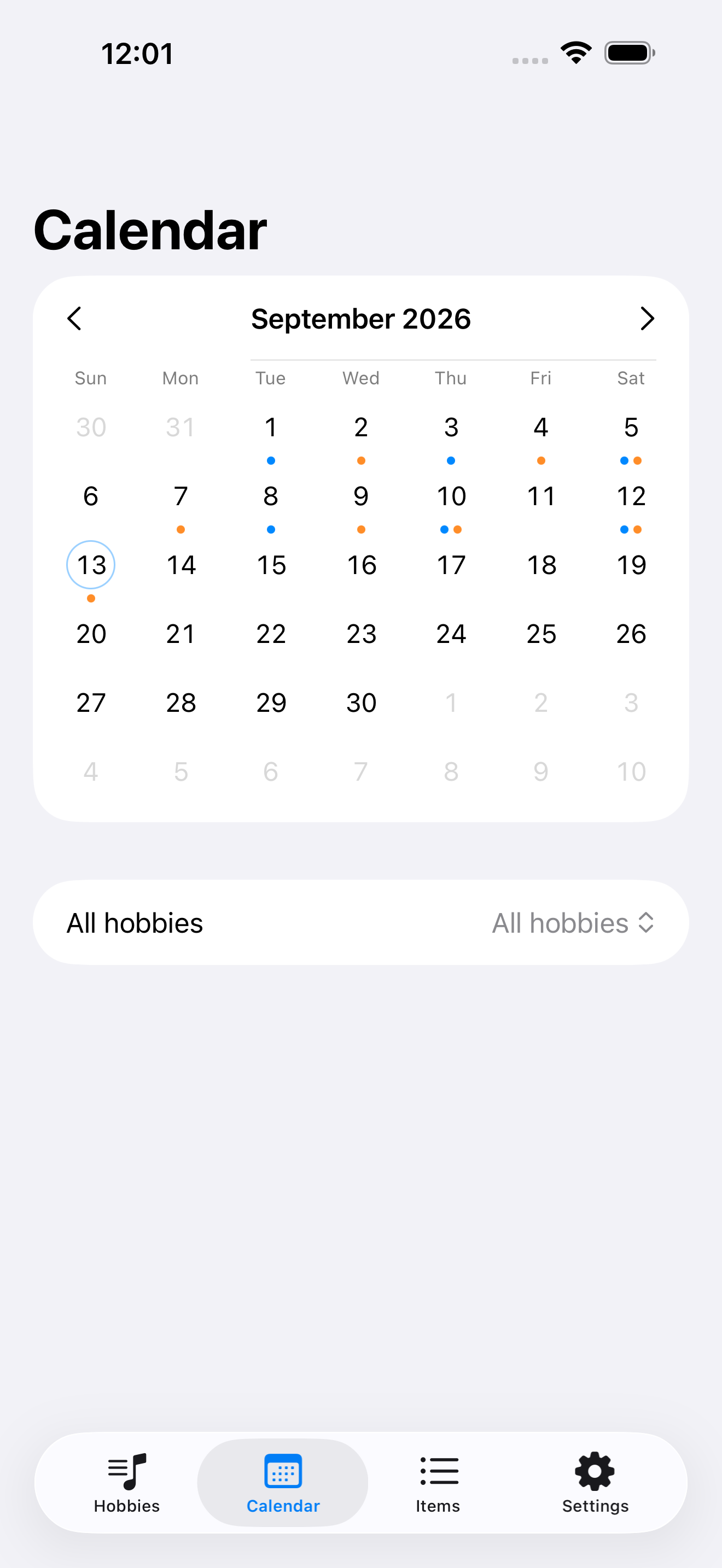
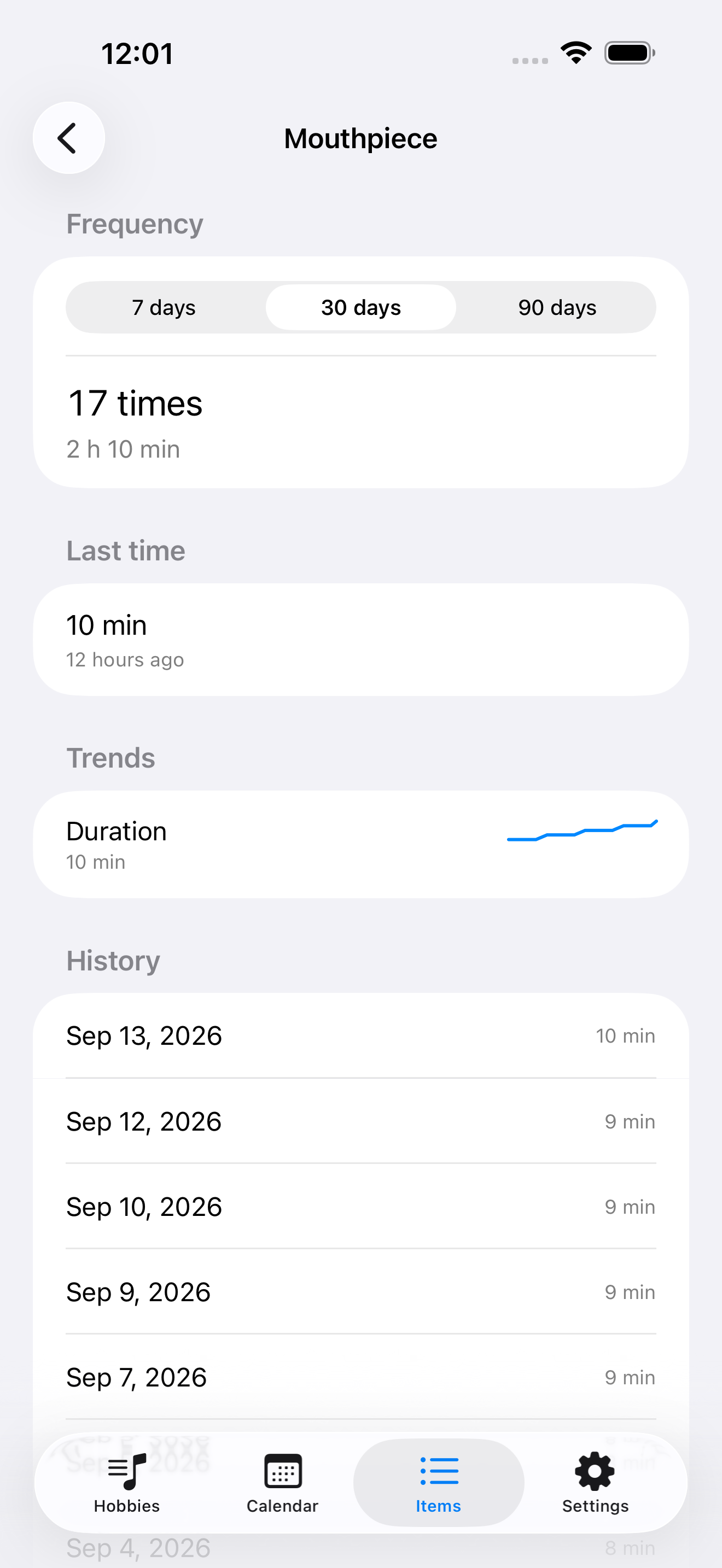
The month calendar dots each day by hobby, so you can see what you practiced at a glance. The item page shows how often you've done it, what last time looked like, and the trend for each metric it tracks.
Reminders that actually fire
Daily, on certain weekdays, or on certain days of the month, at a time you set. Either a normal notification or a system alarm that cuts through silent mode. Tapping it takes you straight to logging, whether or not you already logged today.
Your data stays yours
Practice data lives on this device only. No account, no server, no analytics SDK, no ads, no tracking. Voice and paste import need an OpenAI-compatible endpoint you configure yourself. Skip it and tap logging, the calendar, trends and reminders still work.
Coming to the App Store